Supported Tokens
STTSOMUSD
Flow
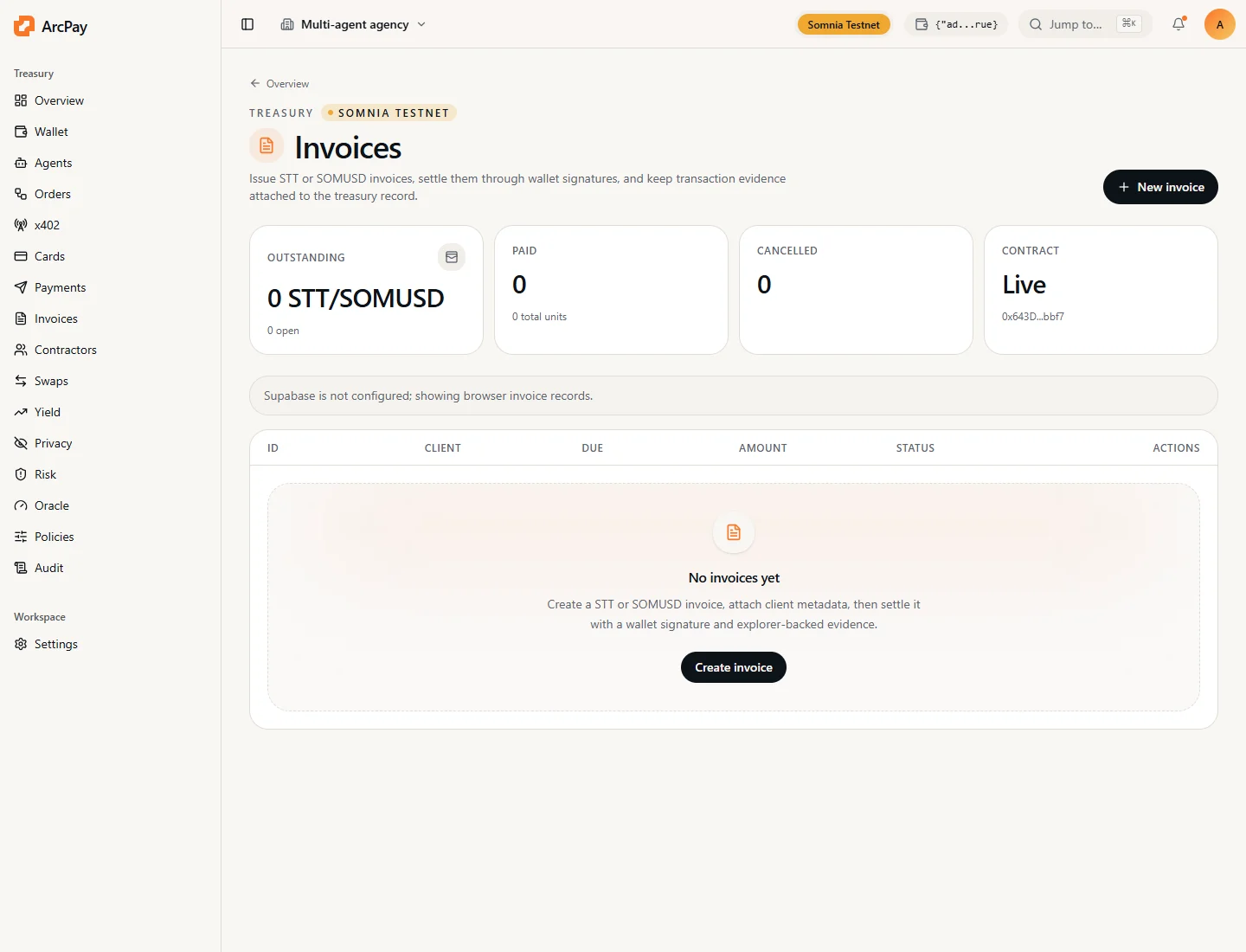
- Operator creates invoice metadata in the ArcPay workspace.
- App derives
invoiceId = keccak256(publicInvoiceId). - Operator calls
AgentInvoiceBook.createInvoice. - Payer signs
payNativeInvoicefor STT or approves SOMUSD then callspayTokenInvoice. - Operator can sync status from Somnia and export audit evidence.
Contract
CLI
Product Screen